
Designer Kickoff Kit
Help a solo designer turn a client brief, scattered feedback and a revision request into one clear decision.
Editable brief · feedback board · decision log

PROTOCOL 001 / THE FACELESS METHOD
Build a small digital product, prepare ten original faceless Reels, and test the path from first view to download. Follow the V3 Obsidian vault one practical lab at a time.
EIGHT LESSONS. ONE CONNECTED PATH.
A live preview of the structure. Your course opens in Obsidian.
Digital files, without boxes to pack. Your work goes into making them useful.
Start with a specific problem. Build a small resource that helps someone solve it.
Research, build, publish, test. Know what to do next and what to measure.
01 / THE METHOD
You don’t need to become an influencer. You need to understand a problem, build a useful response, and help the right people find it.
Listen for recurring questions from a specific audience.
Create one focused tool, with an example and clear instructions.
Demonstrate the work through screen recordings and useful tutorials.
Choose a suitable provider. Test the files, payment, and delivery.
Review clicks, feedback, and purchases. Change one thing at a time.
THE PATH FROM ATTENTION TO ACCESS
Click through a sample customer journey. Each step has a job. None needs a face on camera.
One question. One useful demonstration.
Show a small problem and a concrete fix. Give someone a reason to keep watching before you mention your product.
THE JOB OF THIS STEP
A clear hook + a useful demonstration
Use your own recordings or assets you have permission to use.
◌ Illustrative walkthrough · no live Instagram, payment, or delivery connection
02 / INSIDE THE VAULT
A folder of connected lessons and working templates, designed to open in Obsidian. Read a step, use a worksheet, build something real.
A graph rendering of the eight lessons and seven sequential links in the actual Canvas file. Select a lesson to preview it.
Interactive, abbreviated preview based on the supplied course files. This is a website rendering, not a screenshot of Obsidian.
THE FULL STARTER CURRICULUM
Follow the work in order, from buyer interviews and product scope to recording, checkout rehearsal and a 14-day launch plan.
Map the relationship between your audience, helpful content, your product, and the signals that tell you whether it is useful.
Your action: Write a one-sentence path from an audience problem to a concrete digital deliverable.
Gather audience observations, look for recurring questions, and use a small sample to test whether people care.
Your action: Compare candidate tasks, interview potential buyers and test a small sample with an observable success criterion.
Define the product, develop one usable example, make an editable version, and ask a beginner to try it.
Your action: Define scope and a price hypothesis, then test the extracted product with a fresh reader.
Explore screen demos, mistake-and-fix videos, and narrow tutorials. Connect a clear hook, demonstration, and call to action.
Your action: Build ten filming cards, record original demonstrations, and check captions and asset rights before export.
Build a clear offer with real previews, concrete contents, useful FAQs, and claims supported by the files.
Your action: Use the Sales Page Template to explain the deliverable and who it helps.
Compare provider requirements, prepare the listing, and verify the download and support experience before launch.
Your action: Rehearse receipt-to-download and first use, then record the separate provider checks.
Record useful signals, distinguish attention from intent, and review where the journey may be losing people.
Your action: Record your posts in Content Metrics and select one variable to improve.
Schedule 14 days of research, production and release checks. Adjust the schedule when feedback or account verification takes longer.
Your action: Create a launch report with observations and one next experiment.
LESS REINVENTING. MORE DOING.
Use 17 editable templates to make the work concrete. The vault also includes seven CSV files for evidence, asset rights, measurement and practice.
Research buyers, scope your offer, write the page and test delivery.
Pick an angle with a hook, a visual to record and a clear next step.
Use shot lists, voiceover, on-screen copy and captions to record your own Reels.
Use copy-ready prompts with examples and quality checks, or follow the manual steps.
Track research, asset rights, content and orders. Practice with fictional data.
Plan your release, rehearse the buyer journey and schedule your first review.
INCLUDED / FICTIONAL CASE STUDIES
Follow each fictional case from research to a usable sample, offer page, funnel and delivery checks.
Help a solo designer turn a client brief, scattered feedback and a revision request into one clear decision.
Editable brief · feedback board · decision log
Help rotating pottery studio volunteers record a load’s status and hand off the next follow-up.
Status CSV · shift handoff card · completed examples
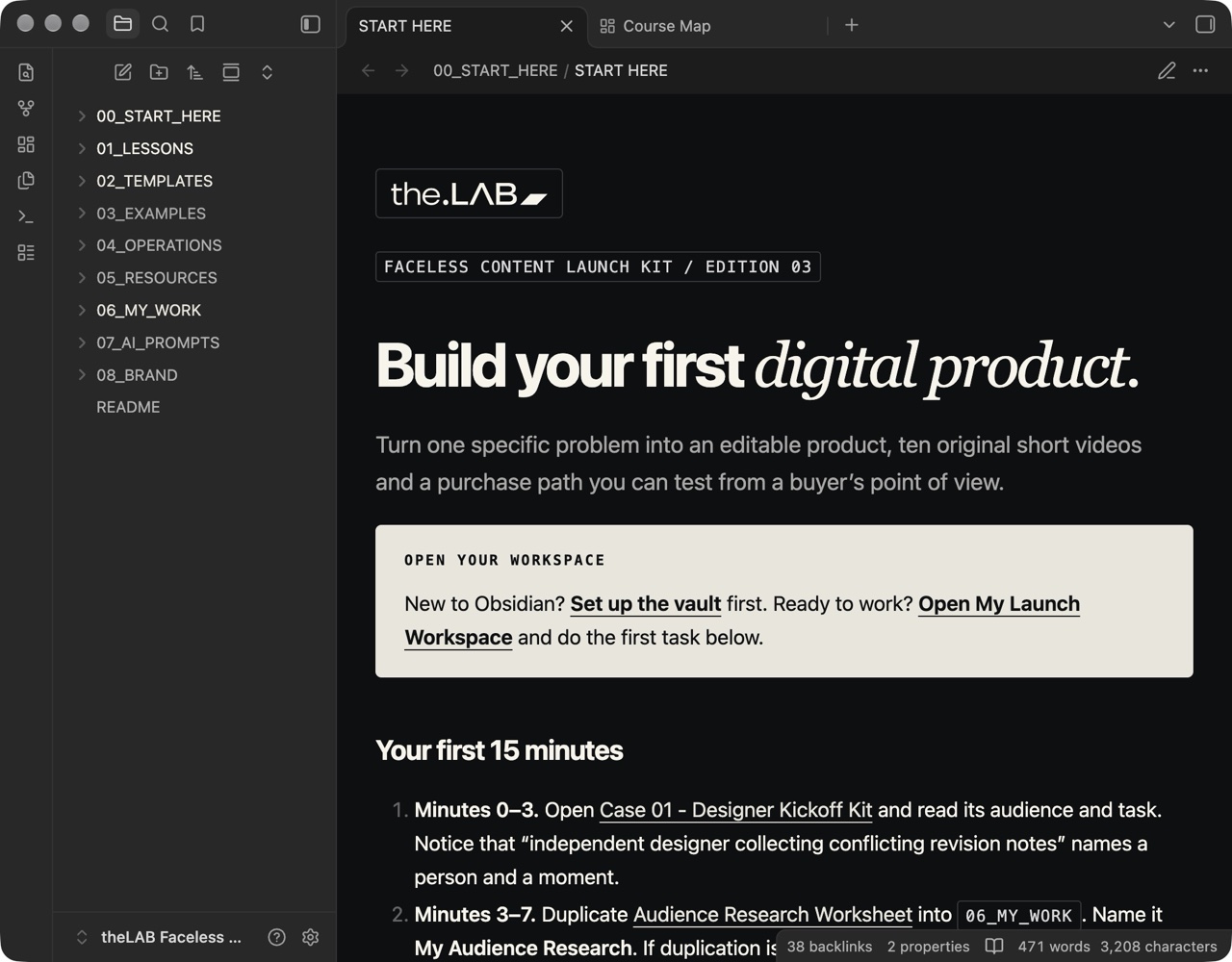
Obsidian is a third-party application. the.LAB is not affiliated with or endorsed by Obsidian.
ESTABLISHED CREATORS / EDUCATION BUSINESSES
Courses. Workshops. Paid communities. Established creators turn what they know into products people can buy. Their audiences bring attention; a structured offer gives that attention a destination.
Shown as independent examples. No endorsement or customer relationship is claimed.
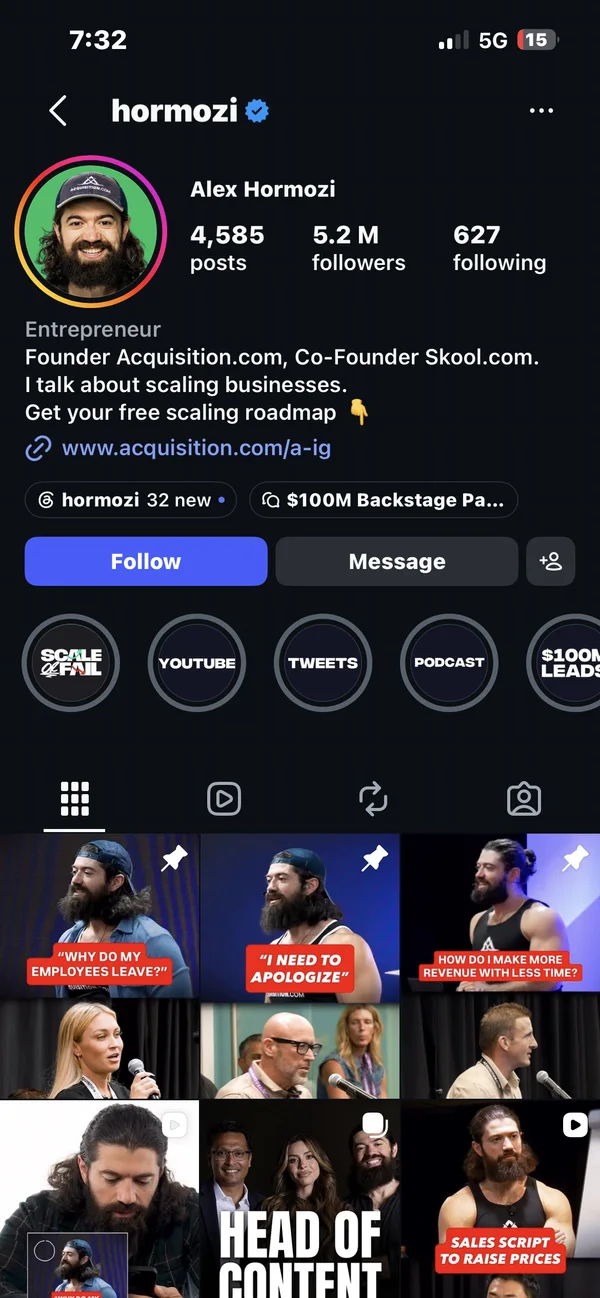
Turns business knowledge into courses, books and workshops through Acquisition.com. His public video courses are free.
Explore the offer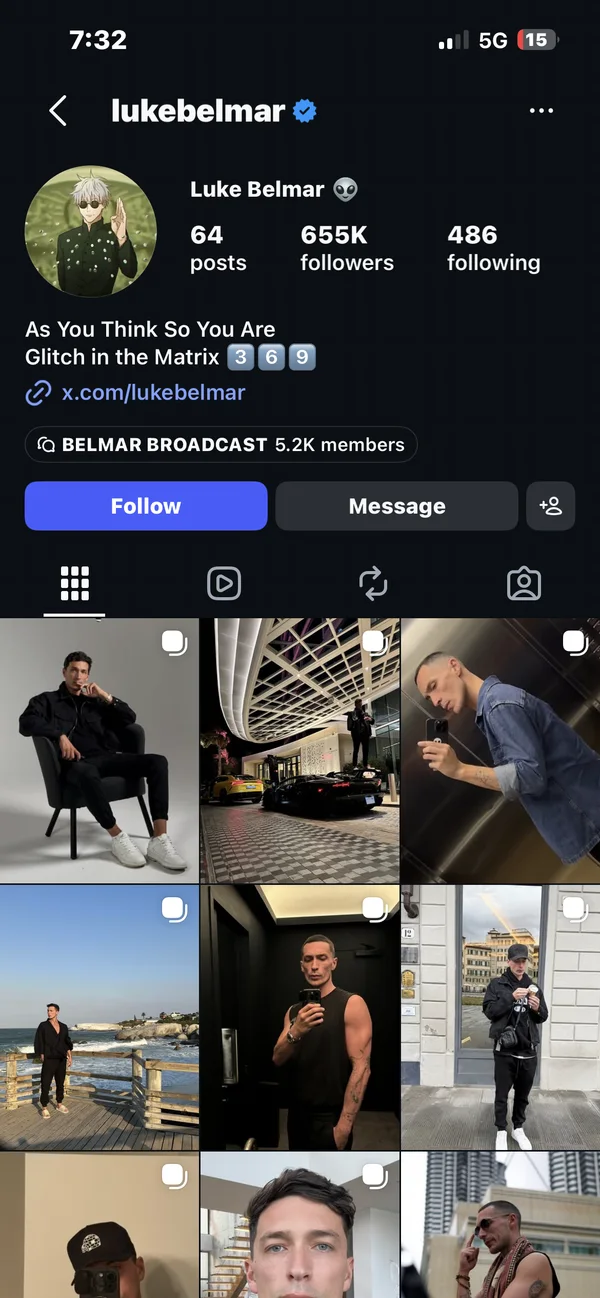
Founded Capital Club, a membership community offering entrepreneur events, mastermind sessions and business resources.
Explore the offer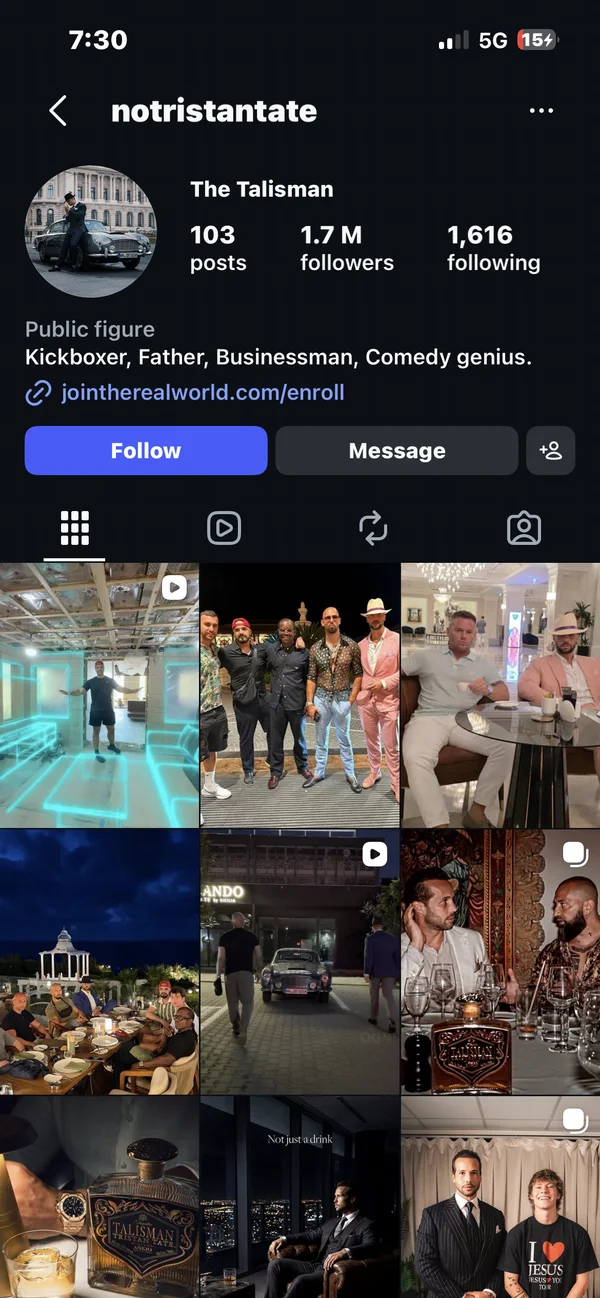
Promotes The Real World through his profile: a paid membership with business courses and live broadcasts.
Explore the offer
Built an education business with programs including Digital Launchpad, packaging instruction into a paid learning product.
Explore the offer03 / BUILT FOR THE BEGINNING
It’s easy to collect tools and still not know what to do next. Start by connecting the basics. Automation becomes more useful when you know what you’re asking it to do.
You’re willing to research, create original work, test your setup, and learn from feedback.
Keep this in mindThis is a written starter course, not a done-for-you business, coaching program, or guarantee of sales.

ONE PROBLEM. ONE PRODUCT.
ONE NEXT STEP.
THE ECONOMICS / INTERACTIVE EXAMPLE
See how sales, costs and deductions change the result. Move the sliders to model your own scenario—including a loss.
Illustrative calculations, not actual results or a forecast. Sales depend on demand and execution; they can be zero.
3 sales to cover the selected costs. Include advertising, software and the cost of your time in operating costs. The allowance is an assumption, not a payment-provider fee quote. Taxes are excluded; modeled sales are rounded down.
SCENARIO COMPARISON
A comparison of sales volumes, not growth over time. Operating costs and allowance follow the sliders above.
04 / CHOOSE YOUR STARTING POINT
A small first step. Clear about what’s included, and what’s still being built.
PROTOCOL 001 / STARTER
LAUNCH PREVIEWLearn the manual workflow, from a specific problem to a practical first experiment.
One-time payment · USD
Checkout not connected. The starter is available to preview; purchases are not open.
Refunds & deliveryPROTOCOL 002 / IN DEVELOPMENT
A planned AI-assisted system for research, scripting, content planning, offer creation, and workflow automation.
A future system. No confirmed launch date.
Scope, launch date, and price are not finalized. No preorder or premium purchase is available.
Waitlist is not open yet. No email addresses are collected here.
05 / BEFORE YOU START
A downloadable V3 Obsidian vault with eight written lessons, 14 labs, 17 editable templates, 30 Reel concepts, ten script packs, 13 optional AI prompts, seven CSV files and two fictional case studies with sample products.
No prior Obsidian experience is expected. The course is organized as an Obsidian vault: extract the folder, open it as a vault, and begin with START HERE. Markdown files can also be read in a text editor; the linked navigation and Canvas map work best in Obsidian. A laptop or desktop is recommended for the initial setup.
No. The course covers original screen recordings, demonstrations, captions, and tutorials. You can begin the exercises without an audience, but reaching interested people takes work and is not guaranteed.
Yes, if you are ready to research a real problem and make something useful. You will work through the lessons and worksheets yourself. The 15-minute first task gets you started. The 14-day plan gives you a sequence to adapt to your pace.
No. Demand, distribution, product quality, pricing, and execution all affect results. You may make no sales. The goal is to build and test a practical workflow, then learn from what actually happens.
The 13 AI prompts are optional and include manual alternatives. You can finish the course without a paid AI plan. A computer, original content, and tools suitable for your product are the starting point. Software, hosting, payment, and provider costs are separate from the course and depend on what you choose.
The course is for learning and using the templates in your own business. It does not grant resale rights to the course itself. AI Content Engine is a separate product in development; it is not included, available for preorder, or guaranteed as a future upgrade.
Purchases are closed. The customer policy pages below explain the digital format and what will be confirmed before checkout opens.
YOUR NEXT EXPERIMENT
Start with the contents. Understand the process. Decide whether it fits the work you want to do.
Take a look inside